Buy seats for a team
Buy one seat for each developer who uses Glider or GliderTrace for work. You can change the number of seats at any time, so start with the developers you know about.
1Create a team
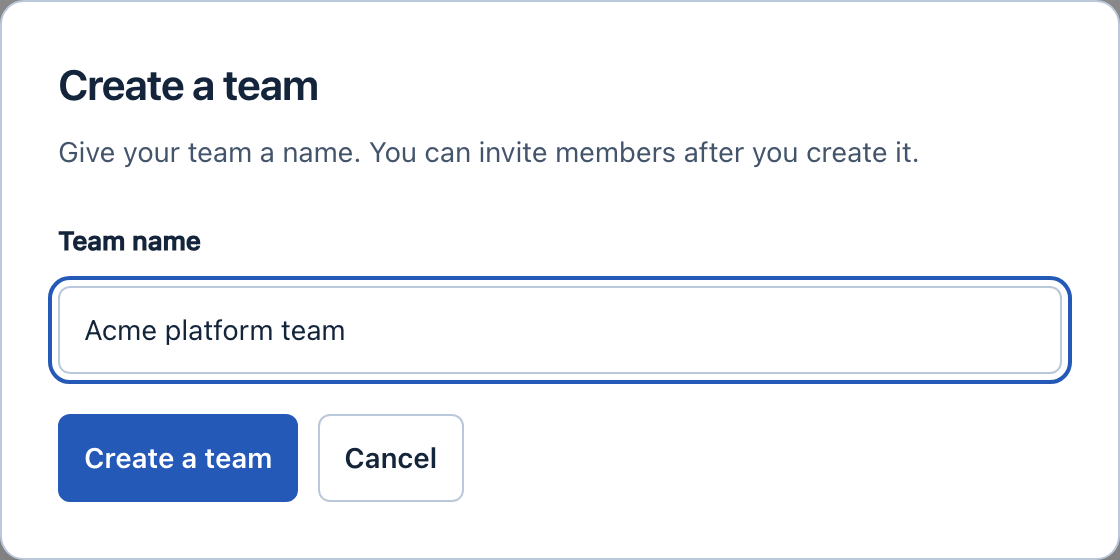
On Account, select Create a team and give it a name. You become its owner. The team page opens.
2Choose seats and the billing period
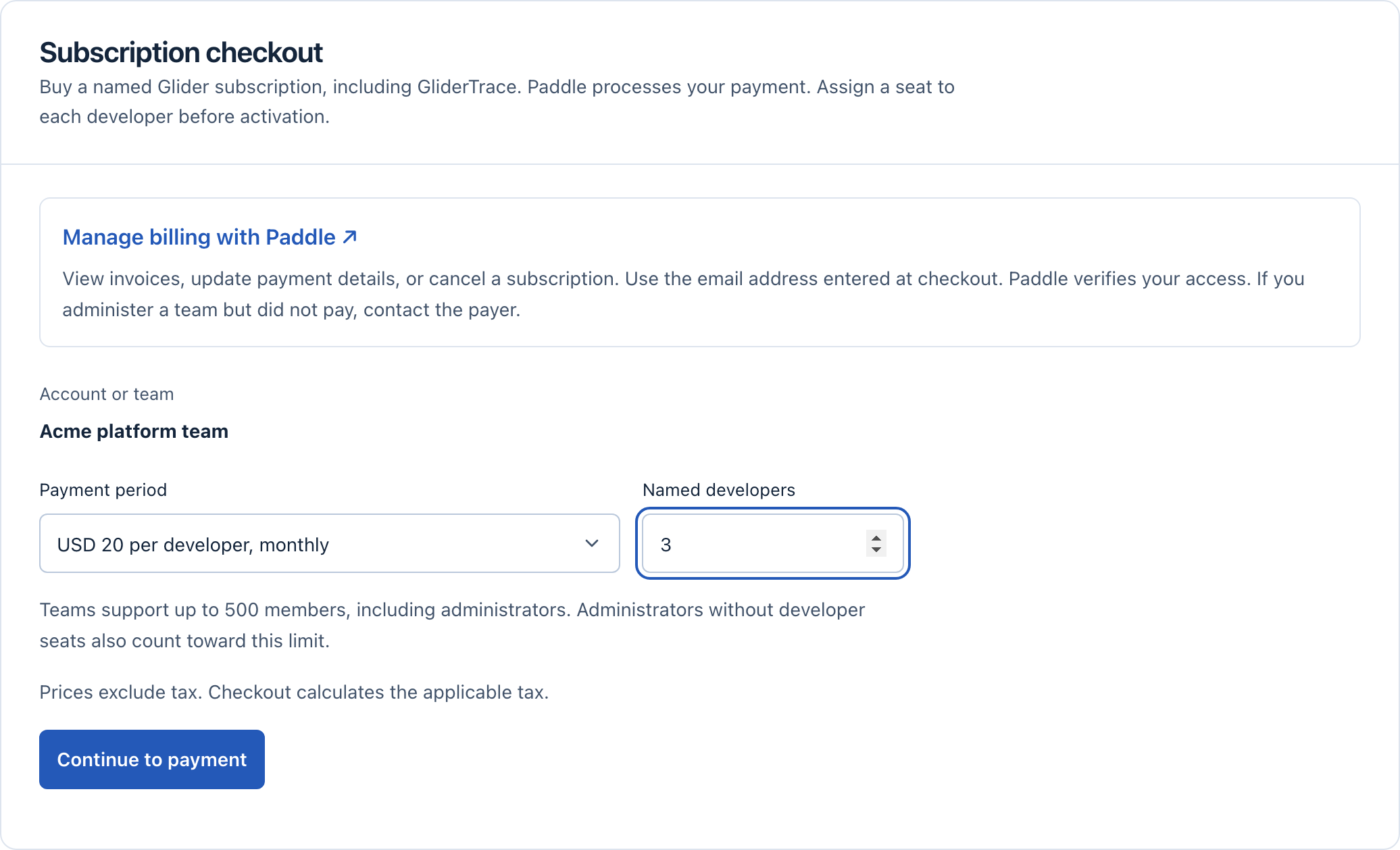
In Subscription checkout on the team page, enter the number of developers and choose monthly or annual billing. Select Continue to payment.
Only owners and billing administrators can buy. If someone else in your company pays, invite them as a billing administrator and let them complete this step.
3Pay in the Paddle form
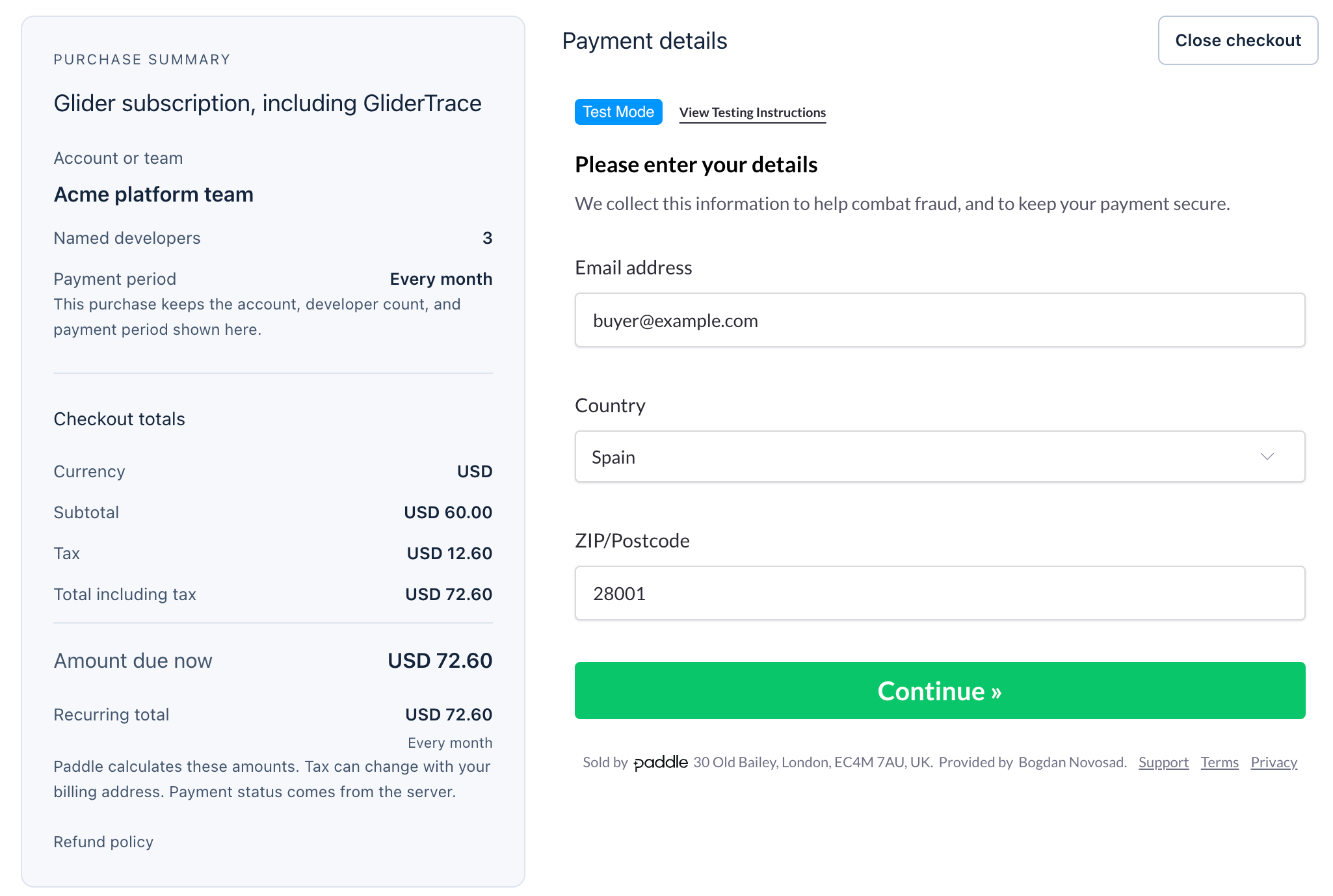
Enter the company email, billing address, VAT number if you have one, and payment details. Paddle shows the total with tax before you pay and emails the invoice.
4Check the seats
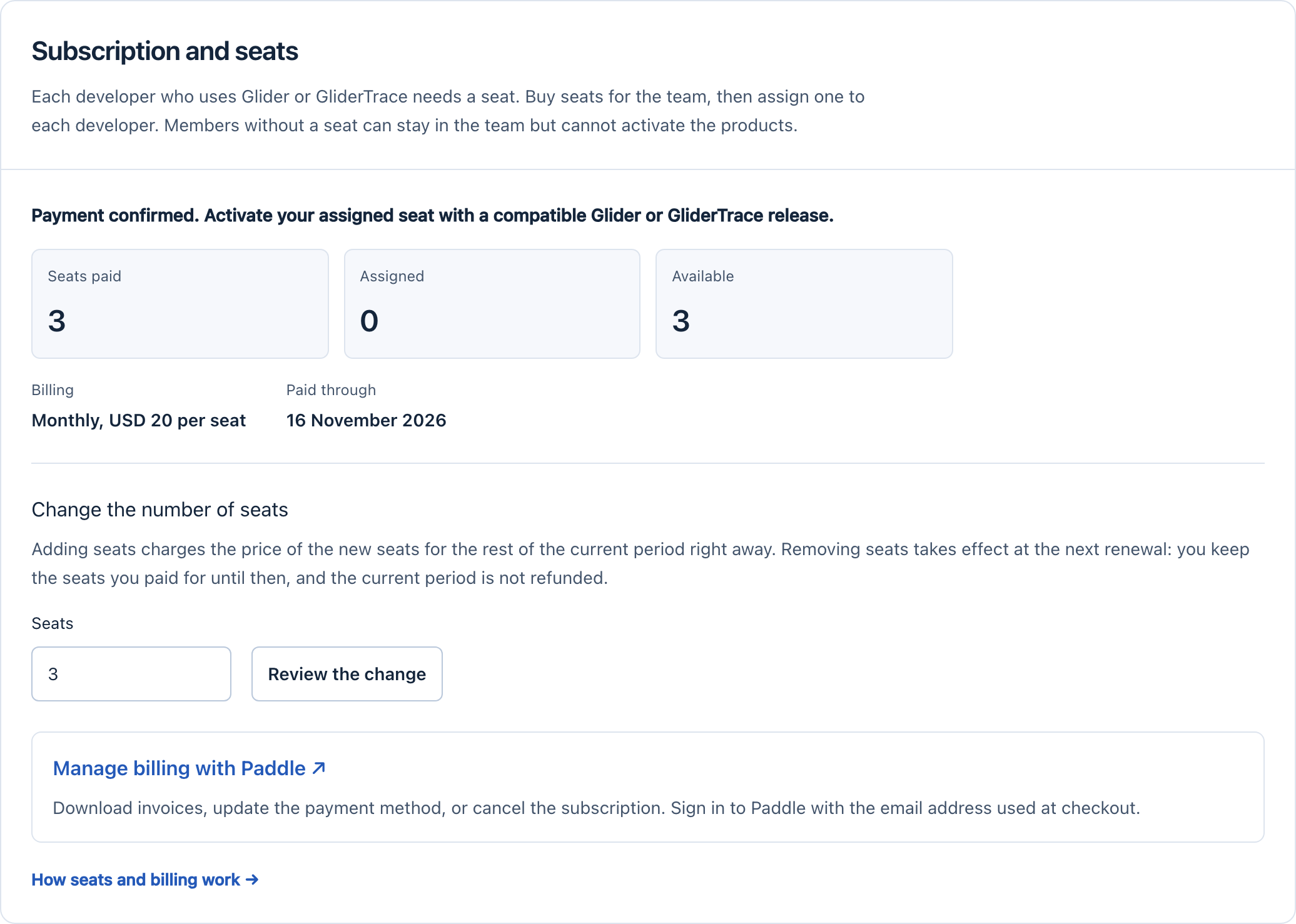
After payment, Subscription and seats shows how many seats are paid, assigned and available, and the date the subscription is paid through.
5Give developers access
Invite each developer and assign them a seat. See Invite members and assign seats.