Buy a personal subscription
A personal subscription is the quickest way to use Glider and GliderTrace at work by yourself. To buy for other people, buy for a team instead.
1Sign in
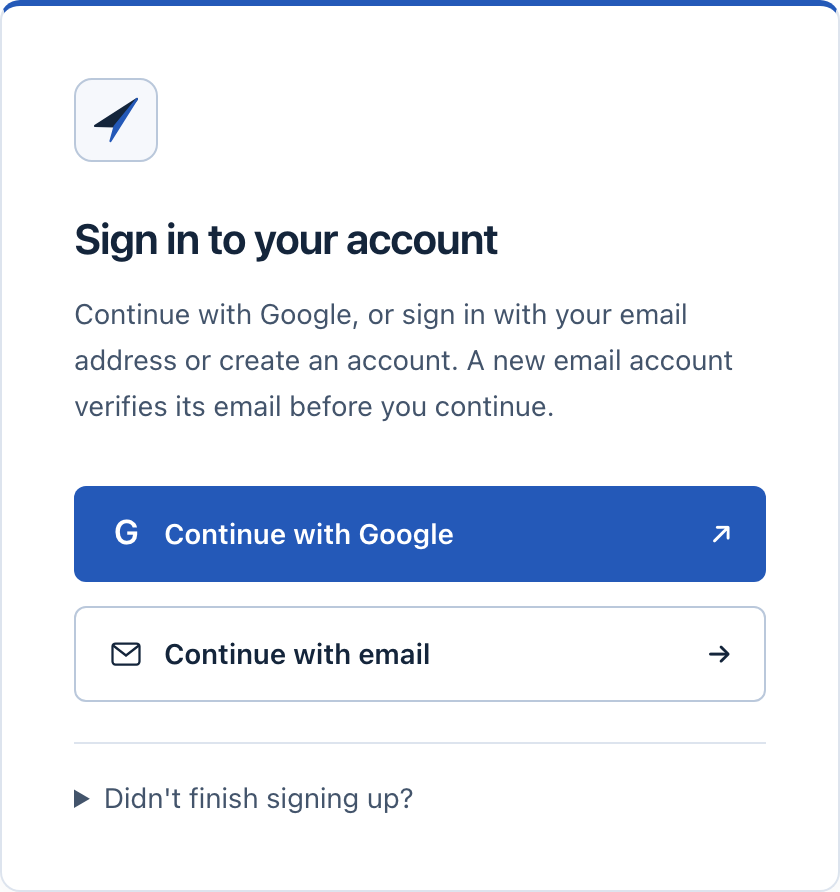
Open Account and continue with Google or with your email address. A new email account confirms the address with a code first.
2Choose the billing period
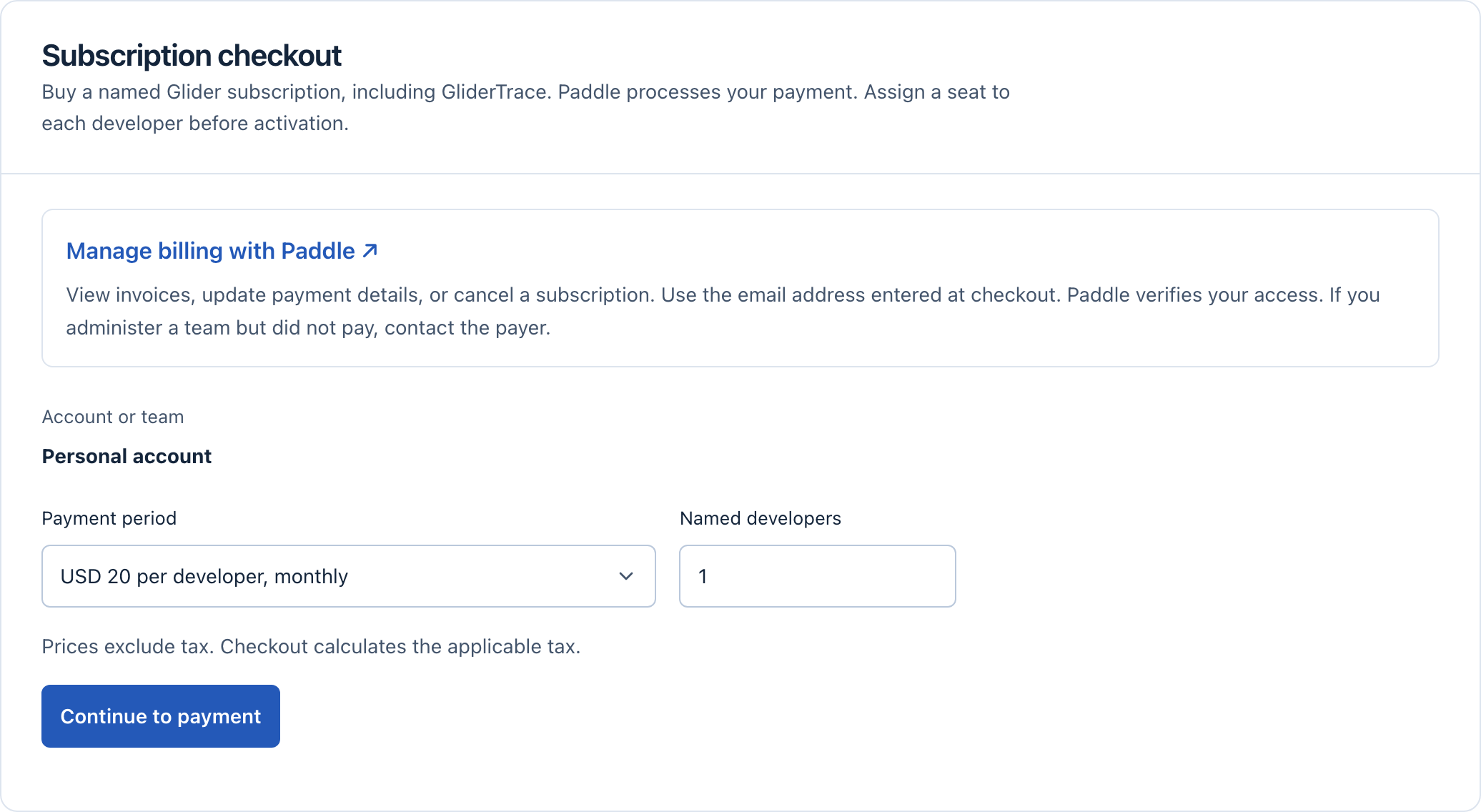
Under Subscription checkout, choose monthly or annual billing. A personal subscription always has one developer.
Select Continue to payment.
3Pay in the Paddle form
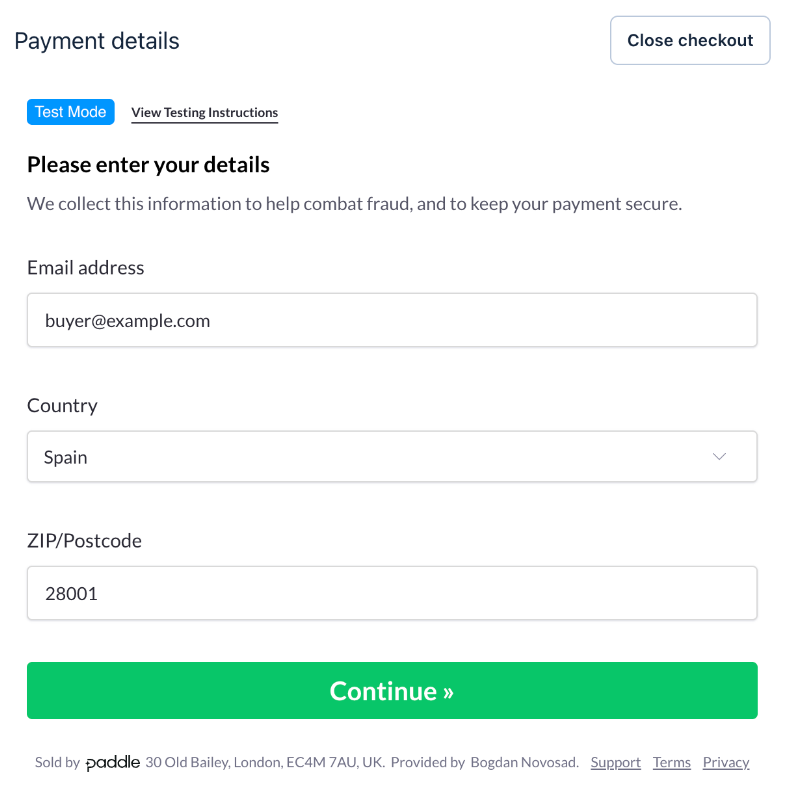
Enter your email, billing address and payment details in the Paddle form on the same page. Paddle adds tax for your address and shows the total before you pay.
Paddle sends the receipt to the email you enter here. Use the same email later to manage billing.
4Check the result
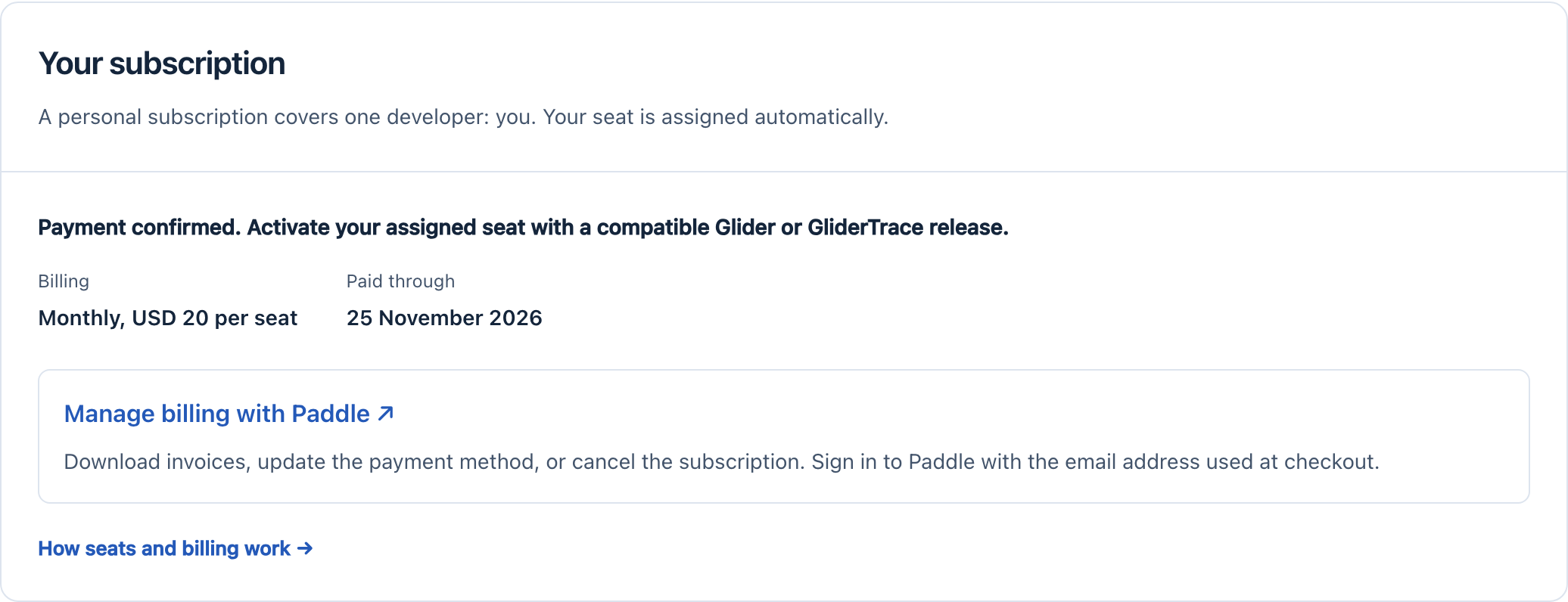
After payment, the page shows Payment confirmed and the date the subscription is paid through. If it still says the payment is pending, wait a minute and select Refresh payment status.
5Activate the products
In Glider or GliderTrace, sign in once when the product asks for it. Your browser opens; approve the device there. The products then work offline until the end of the paid period and renew their license automatically.